1) Open your browser and point to http://gmail.com/app
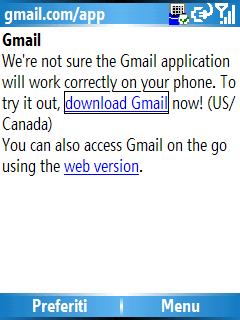 2) Click on "download Gmail" (US/Canada). Feel yourself a little northamerican and click.
3) Install the Midlet and start Gmail mobile
4) This is the installation result.
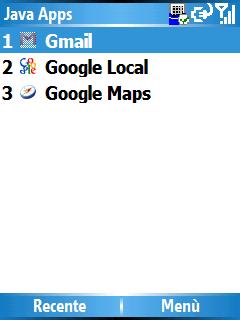 6) Open the fresh installed app: you'll be asked for username and password. Here is the tricky part: you have to click on the username field then click to enter the Real Edit Box, and eventually go write your username. Done, close, and again for the password.
You can find several guide upon gmail mobile. Not just for US/Canada.
Later.